Run parallel projects without collisions
Complex assets never stand still — multiple projects run at once, each changing overlapping data. LivingTWIN keeps every project up to date with changes from your team and others, and merges results back with full visibility.
Every project changes the same asset — at the same time
Assets run multiple projects in parallel, each touching overlapping data. Keeping them in step with each other — and with live operations — is nearly impossible by hand. Changes made in one project silently invalidate another, and merges overwrite work without anyone realising.
Overlapping changes collide
Two projects edit the same tag with no idea the other exists.
Projects drift from ops
While a project runs, live operations move on — and the fork goes stale.
Silent overwrites
Merging one project's data quietly undoes another's work.
No line of sight
Nobody can say who changed what, when, or why across projects.
When parallel work goes wrong
Fork, work, and merge — with everything visible
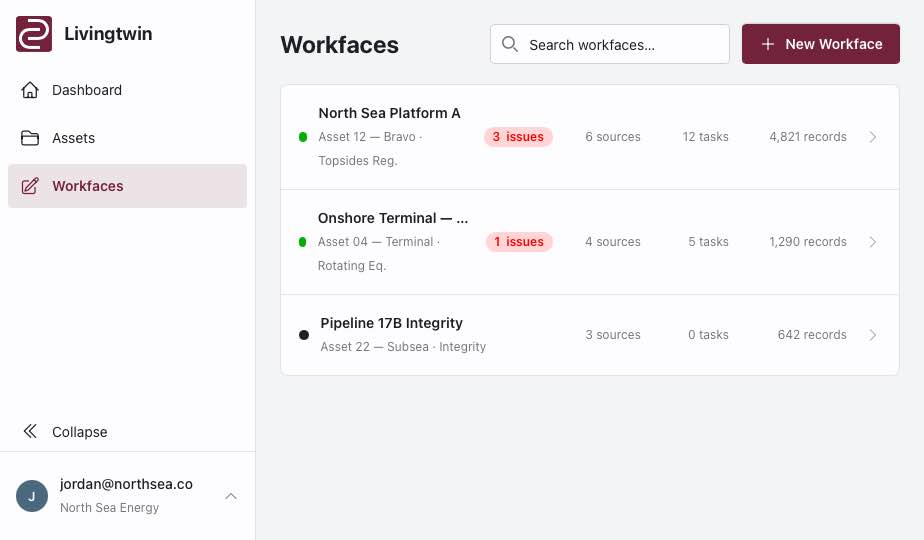
Fork a workface per project
Each project works in its own fork of the as-operated twin — isolated but connected.
Stay in sync with change
Forks are kept updated with changes — whether made by your team or by another project.
Resolve conflicts up front
A merge request surfaces every conflict for review — nothing is overwritten silently.
Merge back cleanly
Validated changes flow back into your working systems with quality and accuracy sustained.
Keep every project in step
See fork and merge in action — start free and run your first parallel workface today.